
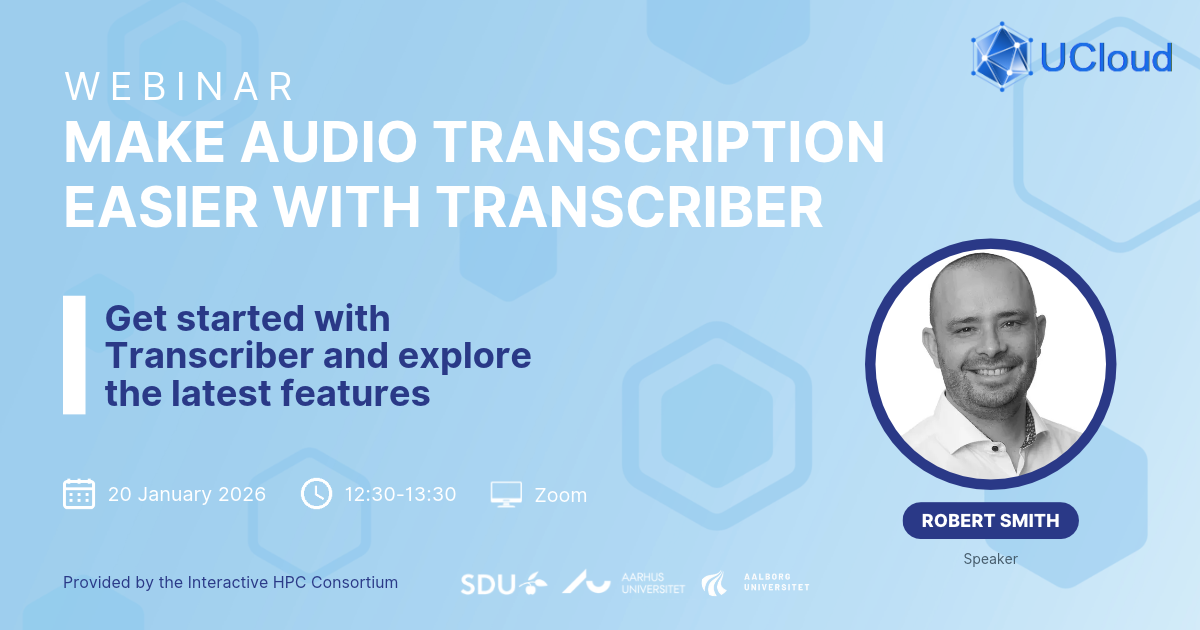
Date: 20 January
Time: 12.30–13.30
Location: Online via Zoom
Join us for an introduction to Transcriber and learn how to turn audio and video recordings into text directly in UCloud.
Transcriber has recently been updated with a new web interface and advanced editing features, making it easier to manage, review and edit your transcriptions after they have been created. Whether you are new to Transcriber or have used it before, this webinar will take you through the basic workflow and show you how to make use of the latest features.
In this session, you will learn how to:
- Get started with Transcriber and navigate the new web interface.
- Upload audio and video recordings and create automatic transcriptions.
- Review and edit your transcriptions directly in UCloud while listening to the corresponding recording.
- Work with the new editing features, including correcting transcription output, editing speaker names and adding notes.
- Manage and export your transcriptions using the available options and file formats.
Target audience: Researchers working with audio or video recordings.
Technical level: Beginner to Intermediate. No prior experience with Transcriber is required.