
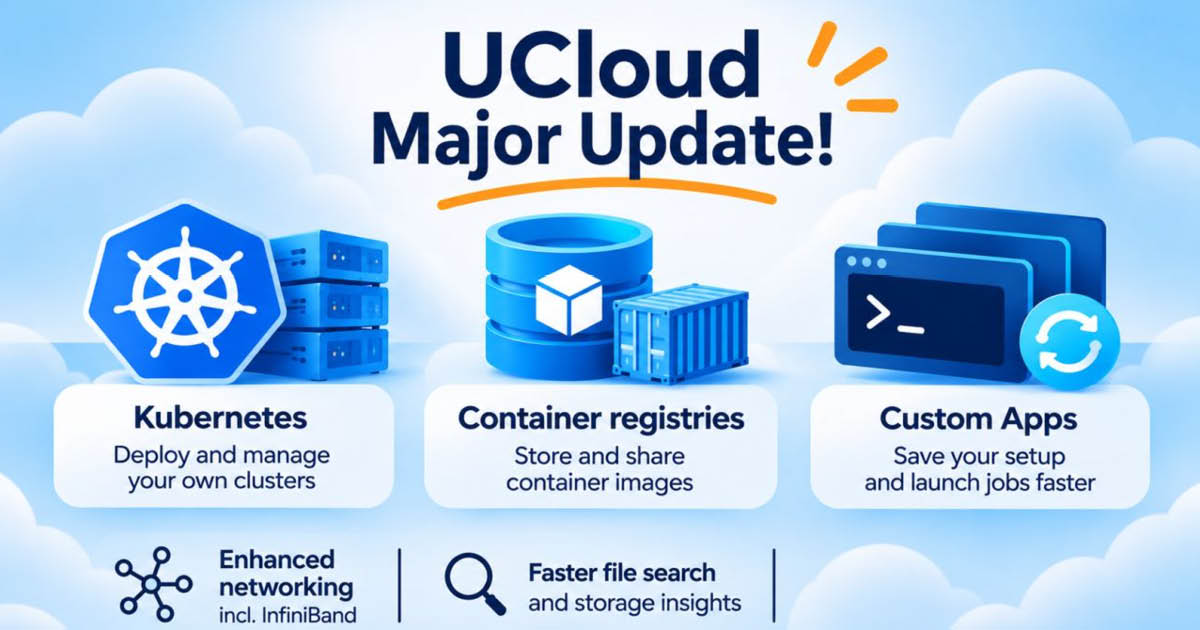
UCloud has introduced new features that make it easier for researchers and developers to manage software environments, share resources and reduce repetitive setup.
Among the new additions are container registries, which make it easier to share software across research projects. The update also introduces ways to save and reuse configured environments, alongside a new Kubernetes Platform for more complex applications.
Store and share container images
UCloud now includes container registries, where users can store and share container images containing software and everything it needs to run.
Rather than installing and configuring the same software repeatedly, researchers can reuse these images across different jobs or share them with colleagues. The registry provides a central place to manage the images, with permissions controlling who can access and modify them.
To get started, go to Files > Registries in UCloud and select Container registry. Instructions for connecting Docker are available directly in the interface.
Save and reuse software environments
Setting up a software environment can take time, particularly when research workflows require specialised tools and dependencies. Two new features make it easier to reuse existing configurations.
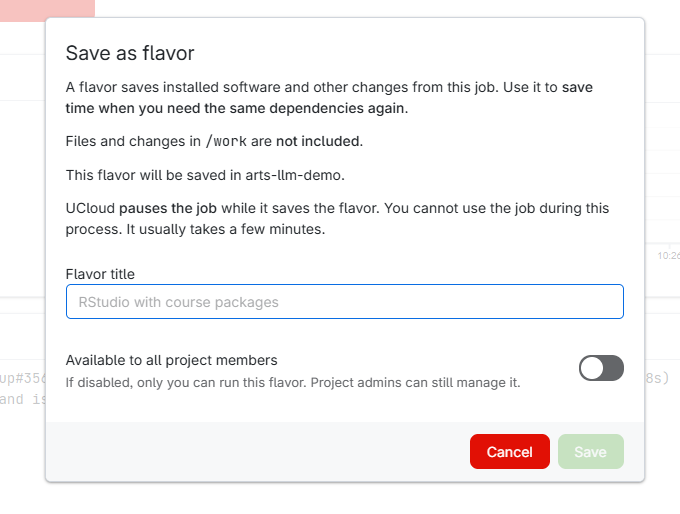
Custom flavors allow users to save the software and settings from a running container job and reuse them in future jobs. Saved flavors can also be shared within a project, making it easier for colleagues to work with the same setup.
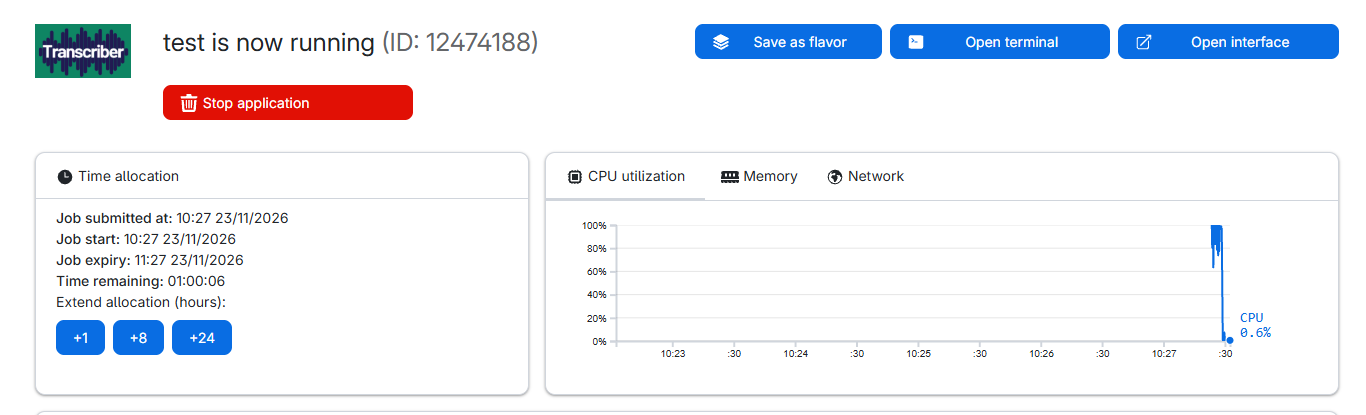
To save an environment, open a running container job and select Save as flavor. The saved environment will then be available in the application’s flavor selector when creating a new job.
Initialization script caching offers another way to save time. If a job uses an initialization script to install software, UCloud can now save the resulting environment. The next time a job uses the same application and script, it can reuse the saved environment instead of repeating the installation.
To enable caching, select a script under Parameters > Initialization when creating a job, then enable Cache installed dependencies.
Deploy and manage applications with Kubernetes
The new Kubernetes Platform gives researchers and developers working with more complex applications the ability to create and manage their own Kubernetes clusters directly in UCloud.
The platform includes a dashboard for managing workloads, viewing logs and adding machines as needed. It also supports standard tools such as kubectl, automatic updates and control-plane backups.
What is Kubernetes – and why is it useful?
Kubernetes makes it easier to run and manage applications across multiple computers without having to manage each one individually.
For example, a research team developing an online tool for exploring large datasets could use Kubernetes to manage the application and adjust the computing capacity as more people start using it.
To get started, find Kubernetes under Apps > Development in UCloud.
In case you missed it: Improved networking and file management
The update also builds on recent improvements to networking and file management in UCloud.
Users can connect jobs through Ethernet networks or use InfiniBand for Remote Direct Memory Access (RDMA), supporting workflows that require communication between compute resources.
File management has also been improved with faster file searches, folder size information and storage visualisation tools that make it easier to see how storage space is being used.
Explore the new features in UCloud
The new features are available now. Log in to UCloud to explore the possibilities and try them out in your own projects.